Video to text converter, free
Need the words from a video: a lecture, a webinar, an interview or your own YouTube upload? BolCaps listens to the video and writes out everything that is said. You can copy the text, download it as a .txt file, or switch to the Caption studio for a subtitle file with timestamps. Only the sound is sent to the speech recognition (OpenAI's Whisper model) and it is not stored, so the video is not uploaded anywhere.
Convert my video to text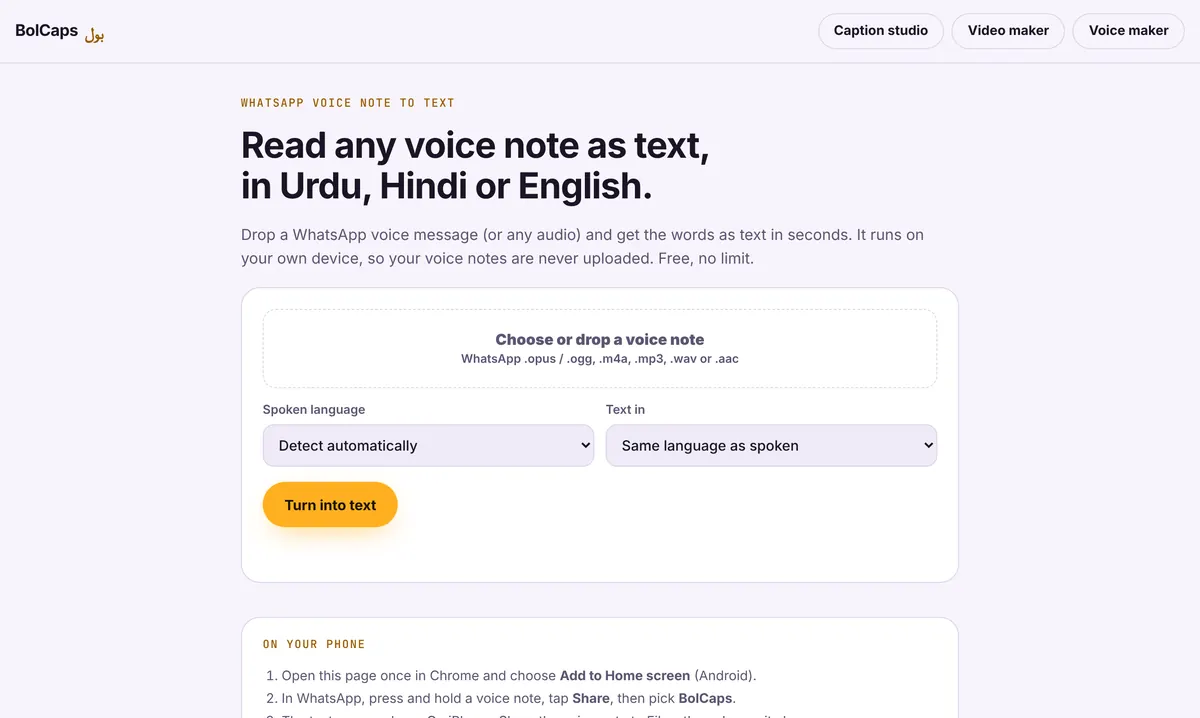
How to do it
- Open Voice note to text. It accepts video files as well as audio.
- Drop in your MP4, MOV or WebM file.
- Pick the spoken language, or leave it on automatic, and press Turn into text.
- Read the transcript, fix names, then copy it or download a .txt file.
Plain text or subtitles with timestamps?
- Plain transcript: use Voice note to text. Best for notes, quotes, blog posts and show notes.
- Timed subtitles (SRT or VTT): use the Caption studio. Best for YouTube, Vimeo, Premiere Pro or DaVinci Resolve.
- Captions burned into the video: also the Caption studio, then Export MP4.
Turn one video into a week of content
A 10-minute video holds about 1,500 words. Transcribe it, then turn the text into a blog post, a newsletter, a LinkedIn post and five short quotes for social media. Search engines can read the text, which they cannot do with the video alone.
Accuracy tips
Clear speech close to the microphone gives the best results. Loud music under the voice lowers accuracy, so remove it first with the free music remover. Check numbers, brand names and people's names before you publish.
Private by design
Most online transcription services upload your file and charge by the minute. BolCaps does the work on your own device, which suits confidential meetings, client calls and unreleased videos.
Frequently asked questions
Is the video to text converter free?
Yes, with no minute limit.
Can I convert a YouTube link to text?
Not from a link. Download your own video file first, then drop it in. Only transcribe videos you own or have permission to use.
Which video formats work?
MP4, MOV and WebM. Audio files like MP3, M4A and WAV work too.
Can it translate the video to English?
Yes. Pick English as the output and speech in other languages is written in English.
Is there a length limit?
No fixed limit. Very long videos take longer and are faster on a laptop.
More free tools
Free auto caption generatorAdd captions to a TikTok videoYouTube Shorts subtitle generatorFree SRT subtitle generatorCaptions for podcast clipsReddit story video makerFaceless video makerFree AI voice generatorTranscribe audio to text, freeAnimated captions generatorInstagram Reels caption generatorBurn subtitles into a videoA free Submagic alternativeA free VEED alternativeFree Urdu caption generatorHindi subtitles for Reels, freeAdd subtitles to a video, freeUrdu audio to textHindi audio to textFree Urdu text to speechFree Hindi text to speechFree AI text to videoA free CapCut alternativeRemove background noise from a videoRemove music from a video, keep the voiceYouTube reused content checkerYouTube thumbnail testerFree photo enhancerBlur a face in a photo online