Turn a long video into Shorts, free
Your podcast episode, webinar, livestream or YouTube video already has a dozen great moments in it. Finding and cutting them by hand takes hours. BolCaps reads the whole video, picks the moments most likely to work as Shorts, cuts them to vertical 9:16 and adds animated captions, so you can post clips every day from one recording.
Turn my video into Shorts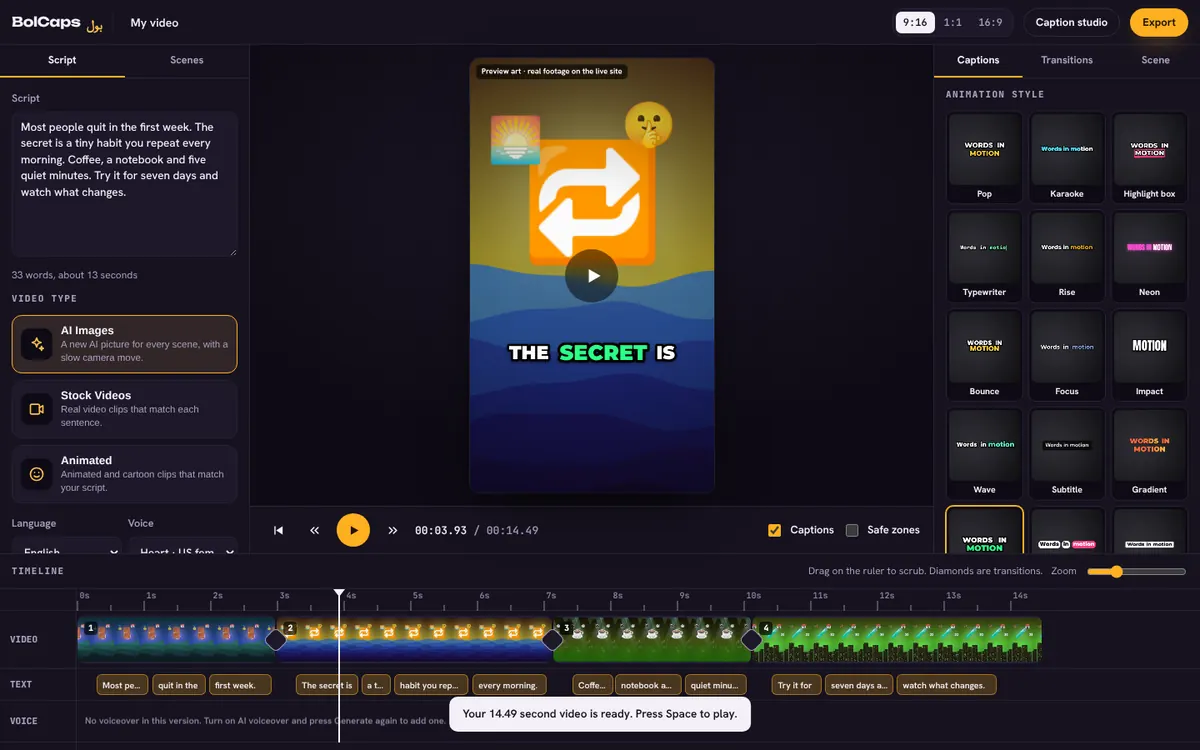
How to do it
- Open the editor and choose Long video to Shorts.
- Drop in your long video. Podcasts, interviews, talks and streams work best.
- Pick the spoken language and press Find Shorts. The AI reads every word and scores the moments.
- Open a suggested clip, adjust where it starts and ends, and pick a caption style.
- Export the vertical MP4 and post it to YouTube Shorts, TikTok or Reels.
What makes a moment work as a Short
- It makes sense without the rest of the video.
- It opens with a strong line in the first two seconds: a question, a surprising number or a bold claim.
- It has one idea and ends soon after the payoff.
- It is 20 to 60 seconds long. Shorter clips loop and get rewatched.
Get more from each clip
Write a short on-screen title for the first frame, keep captions in the middle of the screen away from the buttons, and end with a reason to watch the full video. Post the same clip to Shorts, TikTok and Reels, and caption it once for all three.
Keep captions inside the safe zone
TikTok, Reels and Shorts put buttons on the right and your caption, music and profile at the bottom. Keep the words in the middle of the screen, a little above center. The Caption studio has a Show TikTok and Reels safe zones box that draws those areas over your video, so you can see what will be covered before you export.
No watermark
Your video is exported clean. A small "Made with BolCaps" credit is on by default, and one tick box turns it off. You need a free account only when you download.
Frequently asked questions
Is the long video to Shorts tool free?
Yes. Finding moments, captions and MP4 export are free. A free account is needed to download.
How long can my video be?
Up to about four hours. Very long videos take longer and are faster on a laptop.
Does it make vertical clips?
Yes. Clips come out as vertical 9:16 videos, ready for Shorts, TikTok and Reels.
Can I use someone else's video?
Only if you own it or have permission. Reposting other people's videos can break copyright rules and YouTube's reused content policy.
More free tools
Free auto caption generatorAdd captions to a TikTok videoYouTube Shorts subtitle generatorFree SRT subtitle generatorCaptions for podcast clipsReddit story video makerFaceless video makerFree AI voice generatorTranscribe audio to text, freeAnimated captions generatorInstagram Reels caption generatorVideo to text converterBurn subtitles into a videoA free Submagic alternativeA free VEED alternativeFree closed caption generatorSpanish subtitle generatorFrench subtitle generatorTranscribe a Zoom recordingLecture to text, freeCaptions for LinkedIn videosAI voiceover for YouTube videosA free Opus Clip alternativeA free Descript alternativeA free Kapwing alternativeA free ElevenLabs alternativeFree Urdu caption generatorHindi subtitles for Reels, freeAdd subtitles to a video, freeUrdu audio to textHindi audio to textFree Urdu text to speechFree Hindi text to speechFree AI text to videoA free CapCut alternativeRemove background noise from a videoRemove music from a video, keep the voiceYouTube reused content checkerYouTube thumbnail testerFree photo enhancerBlur a face in a photo online