Turn a lecture recording into text
A one-hour lecture is roughly 8,000 spoken words. Reading a transcript is faster than rewatching, and you can search it the night before an exam. BolCaps turns your lecture recording into text for free: record on your phone or download the video from your course page, drop it in, and get the words back to study from.
Turn my lecture into text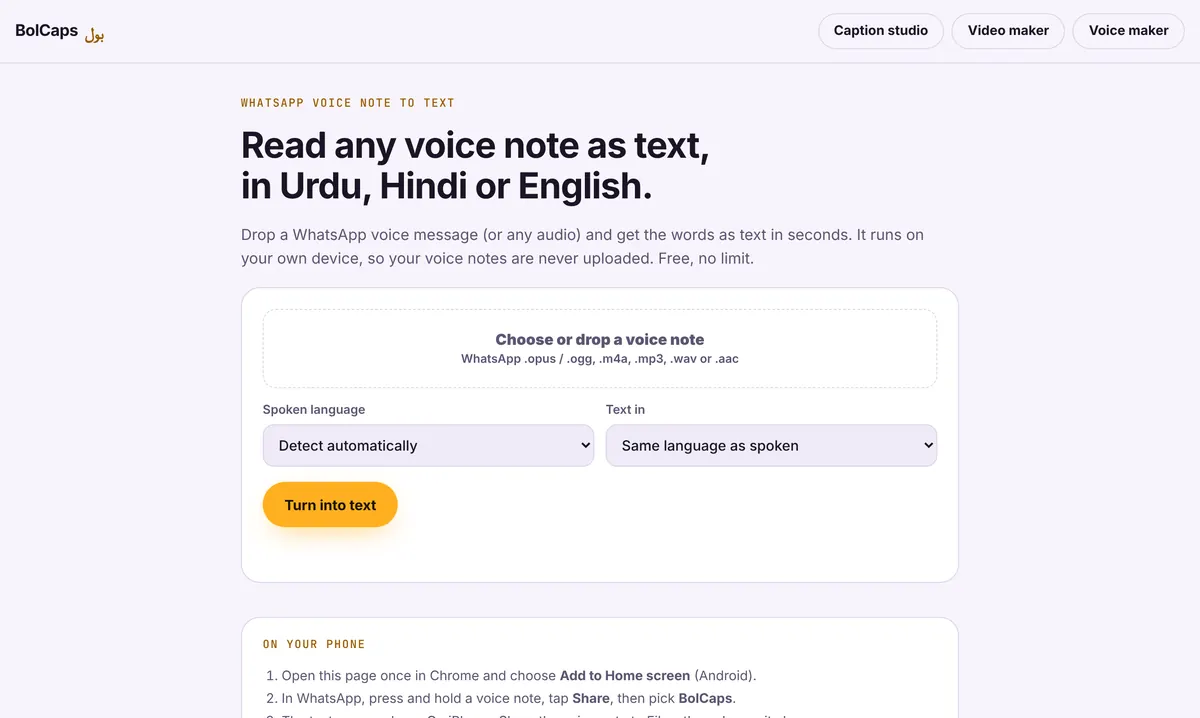
How to do it
- Record the lecture on your phone (with permission) or download the recording from Canvas, Blackboard, Moodle, D2L or your course page.
- Open Voice note to text and add the audio or video file.
- Pick the language the lecture is in and press Turn into text.
- Read through, fix technical terms, then copy the text into your notes or download it as .txt.
Study smarter with a transcript
- Search for the terms the professor said will be on the exam.
- Turn each section into three or four bullet points in your own words, which is how you remember it.
- Paste a section into your flashcard app to make questions from it.
- Students who use English as a second language can read at their own speed.
Get a clearer recording
Sit near the front, put your phone on the desk facing the speaker, and turn on airplane mode so notifications do not cut in. Room echo and air conditioning hum lower accuracy; the free noise remover can clean the audio first. See our guide to recording a clean voice on your phone.
Ask first
Many colleges and universities have rules about recording lectures, and some instructors share their own recordings. Check your course policy or ask the instructor. If you get accommodations through your school's disability or accessibility office, recording is often already allowed.
Your video stays with you
Only the sound is sent to the speech service that writes the words (OpenAI Whisper, run by Groq or Cloudflare), and it is not kept. The video file itself never leaves your computer or phone, which matters for client work, classes and internal meetings.
Frequently asked questions
Is it free?
Yes. Students can transcribe lectures free, with a generous daily allowance.
How accurate is it with technical words?
Common terms come out well. Formulas, rare names and acronyms need a quick check against your slides.
Can it transcribe a lecture in another language?
Yes. 90+ languages are supported, and speech in another language can be written in English.
Can I get captions for a lecture video?
Yes. Use the Caption studio for timed captions and download an SRT file.
More free tools
Free auto caption generatorAdd captions to a TikTok videoYouTube Shorts subtitle generatorFree SRT subtitle generatorCaptions for podcast clipsReddit story video makerFaceless video makerFree AI voice generatorTranscribe audio to text, freeAnimated captions generatorInstagram Reels caption generatorVideo to text converterBurn subtitles into a videoA free Submagic alternativeA free VEED alternativeFree closed caption generatorSpanish subtitle generatorFrench subtitle generatorTranscribe a Zoom recordingCaptions for LinkedIn videosTurn a long video into ShortsAI voiceover for YouTube videosA free Opus Clip alternativeA free Descript alternativeA free Kapwing alternativeA free ElevenLabs alternativeFree Urdu caption generatorHindi subtitles for Reels, freeAdd subtitles to a video, freeUrdu audio to textHindi audio to textFree Urdu text to speechFree Hindi text to speechFree AI text to videoA free CapCut alternativeRemove background noise from a videoRemove music from a video, keep the voiceYouTube reused content checkerYouTube thumbnail testerFree photo enhancerBlur a face in a photo online