Spanish subtitle generator, free
Spanish is the second most spoken language in the United States, and a lot of the best Reels, TikToks and YouTube videos mix Spanish and English. BolCaps writes Spanish captions with the right accents and punctuation (á, é, ñ, ¿ and ¡), so you can caption a Spanish video for your audience or turn Spanish speech into English subtitles for viewers who do not speak it.
Make Spanish subtitles free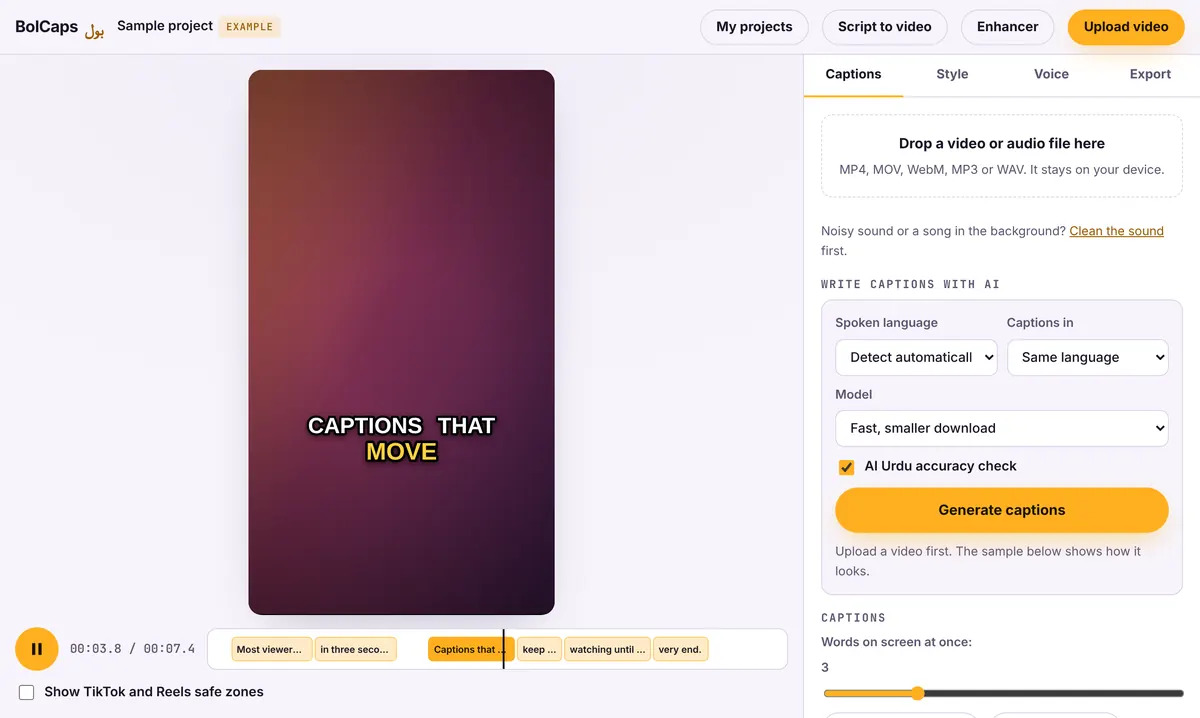
How to do it
- Open the Caption studio and add your video.
- Set the spoken language to Spanish. Leave Captions in on Same language for Spanish captions, or pick English (translate) for English subtitles.
- Press Generate captions and wait a few seconds.
- Check names and slang, and fix any word with one click.
- Pick a caption style, then export an MP4 or download SRT or VTT.
Spanish captions or English subtitles?
- Spanish captions: for a Spanish-speaking audience and for deaf or hard-of-hearing Spanish speakers. Keeps your exact words.
- English subtitles: grow your reach to English-only viewers without dubbing. The AI translates the meaning, so check idioms before you post.
- Both: on YouTube, upload one SRT of each and viewers choose.
Spanglish and code switching
If you switch between Spanish and English in the same video, leave the language on Detect automatically or pick the language you speak most. Then read the captions once: switched words are where the AI most often slips. Fixing them takes a minute in the editor.
Latin American and Spain Spanish
The speech model understands Mexican, Caribbean, Central and South American and Castilian Spanish. Regional slang and names are the usual mistakes, so read the captions once before you export. For a Spanish voiceover, the AI voice generator has Mexican and Spain Spanish voices.
No watermark
Your video is exported clean. A small "Made with BolCaps" credit is on by default, and one tick box turns it off. You need a free account only when you download.
Frequently asked questions
Is the Spanish subtitle generator free?
Yes. Spanish captions, English translation, styles and exports are free, with no watermark.
Can it translate English videos into Spanish subtitles?
Not directly. The AI translates speech into English only. For Spanish subtitles of an English video, export the English SRT and translate the text file.
Does it get accents and ñ right?
Yes. Captions are written with Spanish accents, ñ and the opening ¿ and ¡ marks.
Can I use it on my phone?
Yes, in Chrome or Safari. Long videos finish faster on a laptop.
More free tools
Free auto caption generatorAdd captions to a TikTok videoYouTube Shorts subtitle generatorFree SRT subtitle generatorCaptions for podcast clipsReddit story video makerFaceless video makerFree AI voice generatorTranscribe audio to text, freeAnimated captions generatorInstagram Reels caption generatorVideo to text converterBurn subtitles into a videoA free Submagic alternativeA free VEED alternativeFree closed caption generatorFrench subtitle generatorTranscribe a Zoom recordingLecture to text, freeCaptions for LinkedIn videosTurn a long video into ShortsAI voiceover for YouTube videosA free Opus Clip alternativeA free Descript alternativeA free Kapwing alternativeA free ElevenLabs alternativeFree Urdu caption generatorHindi subtitles for Reels, freeAdd subtitles to a video, freeUrdu audio to textHindi audio to textFree Urdu text to speechFree Hindi text to speechFree AI text to videoA free CapCut alternativeRemove background noise from a videoRemove music from a video, keep the voiceYouTube reused content checkerYouTube thumbnail testerFree photo enhancerBlur a face in a photo online